
狗东西的防黑之路
openssh (也被称为 openbsd secure shell) 是一套基于安全壳(ssh)协议的安全网络工具集,该协议在客户端-服务器架构中提供了一个不安全网络上的安全通道。
OpenSSH 最初是 Tatu Ylönen 开发的免费 SSH 程序的一个分支;Ylönen 后来的 SSH 版本由 SSH Communications Security 作为专有软件提供。OpenSSH 于 1999 年首次发布,目前作为 OpenBSD 操作系统的一部分进行开发。
yum/apt install openssh-server
要连接到 SSH 服务器,可以使用以下命令:
ssh -p[serverPort] [user]@[serverIP]
SSH 端口转发可以使用以下命令:
ssh -C -T -N -L [localIP]:[localPort]:[remoteIP]:[remotePort] [SSHserverIP]:[SSHserverPort]
ssh -T -N -R [remoteIP]:[remotePort]:[localIP]:[localPort] [SSHserverIP]:[SSHserverPort]
ssh -C -T -N -D [localIP]:[localPort] [SSHserverIP]:[SSHserverPort]
NAT
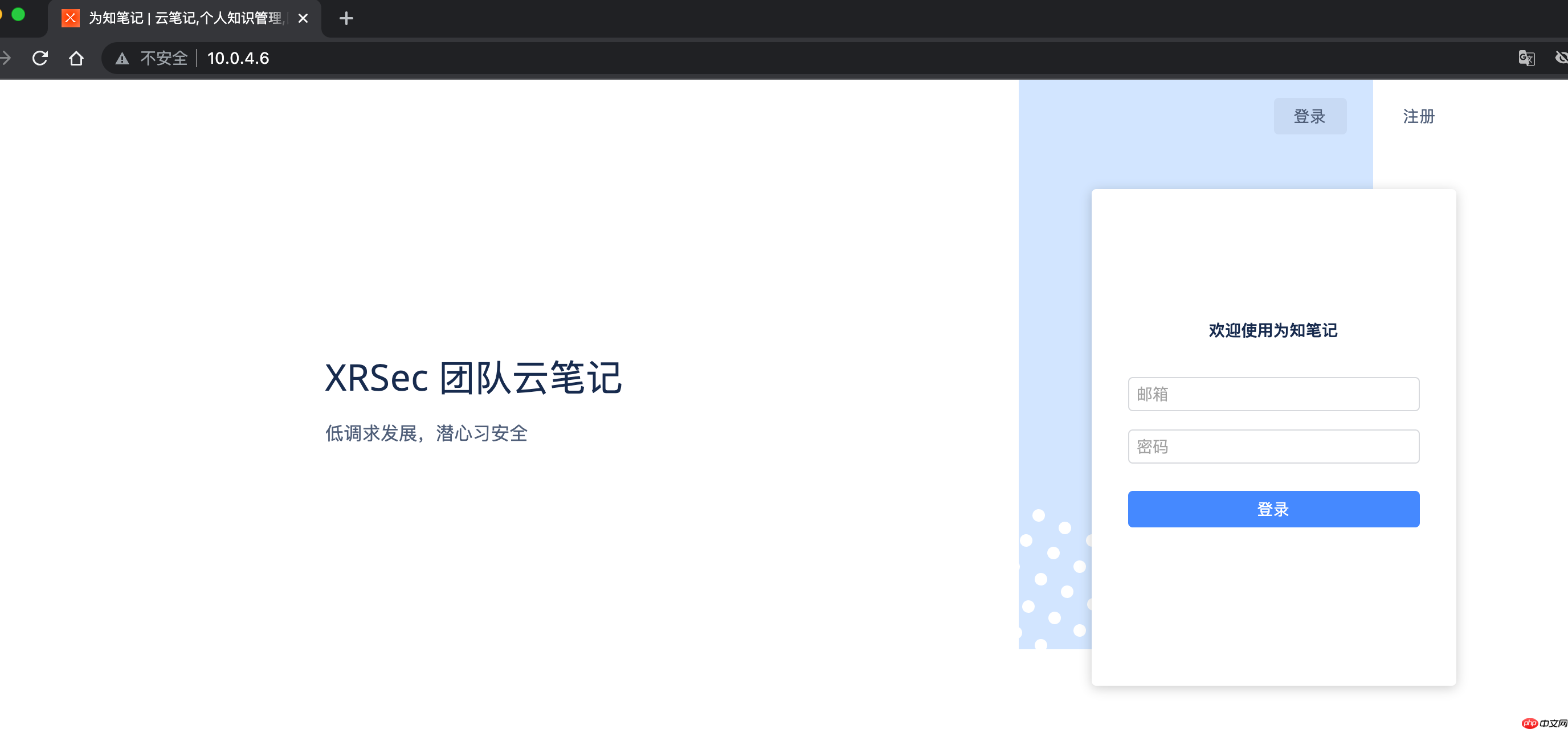
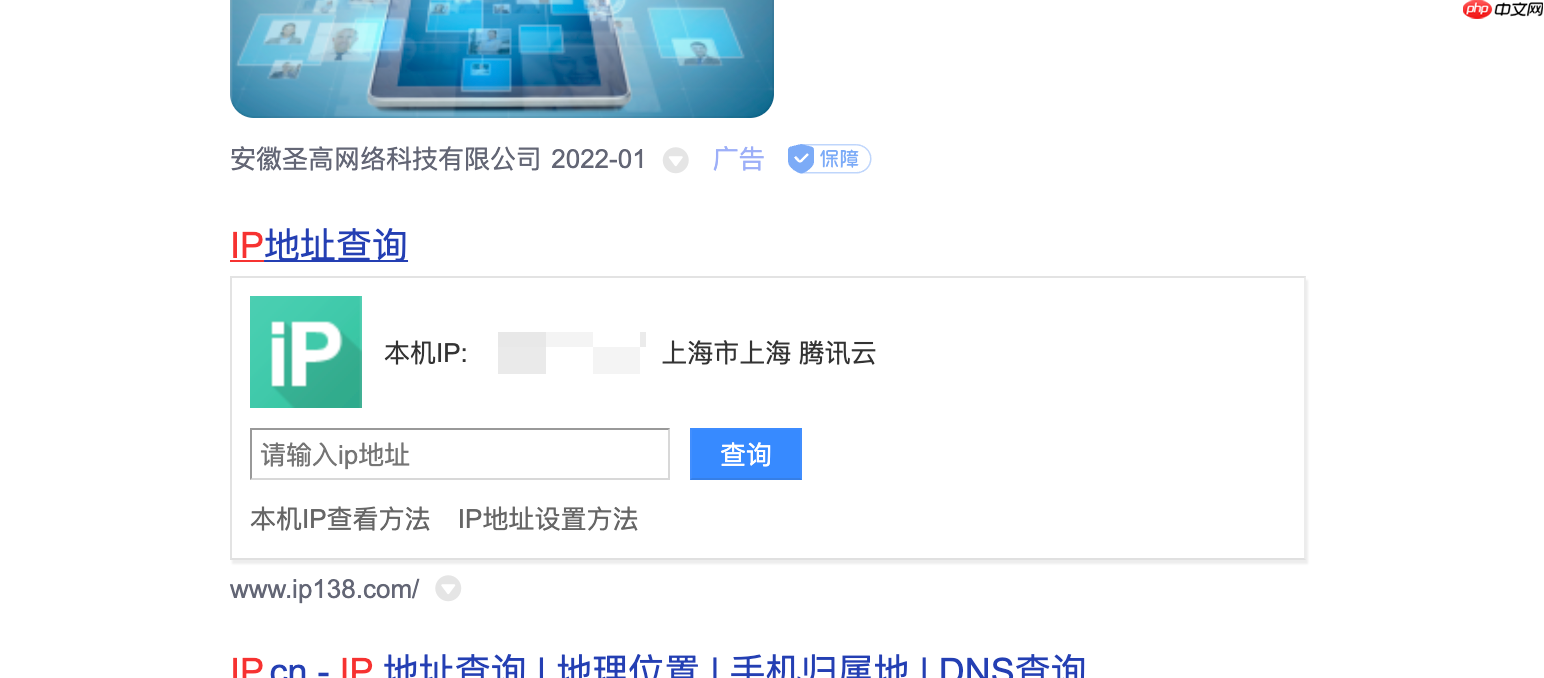
以下是一个用于 NAT 的脚本示例:
#!/usr/bin/env sh
clear
ps_ssh_pid="$(ps -e | grep "0.0.0.0:9999" | grep -v "grep" | cut -d " " -f 1)"
ServerIP="bit"
ServerNatIP="10.0.4.8"
echo "#########################\n\nWorking on the WIZ tunnel\n"
if [ "$ps_ssh_pid" == "" ]; then
    ssh -C -T -N -L 0.0.0.0:9999:"$ServerNatIP":80 wiz@"$ServerIP" &
    echo "#########################\n"
else
    kill $ps_ssh_pid
    ssh -C -T -N -L 0.0.0.0:9999:"$ServerNatIP":80 wiz@"$ServerIP" &
    echo "#########################\n"
fi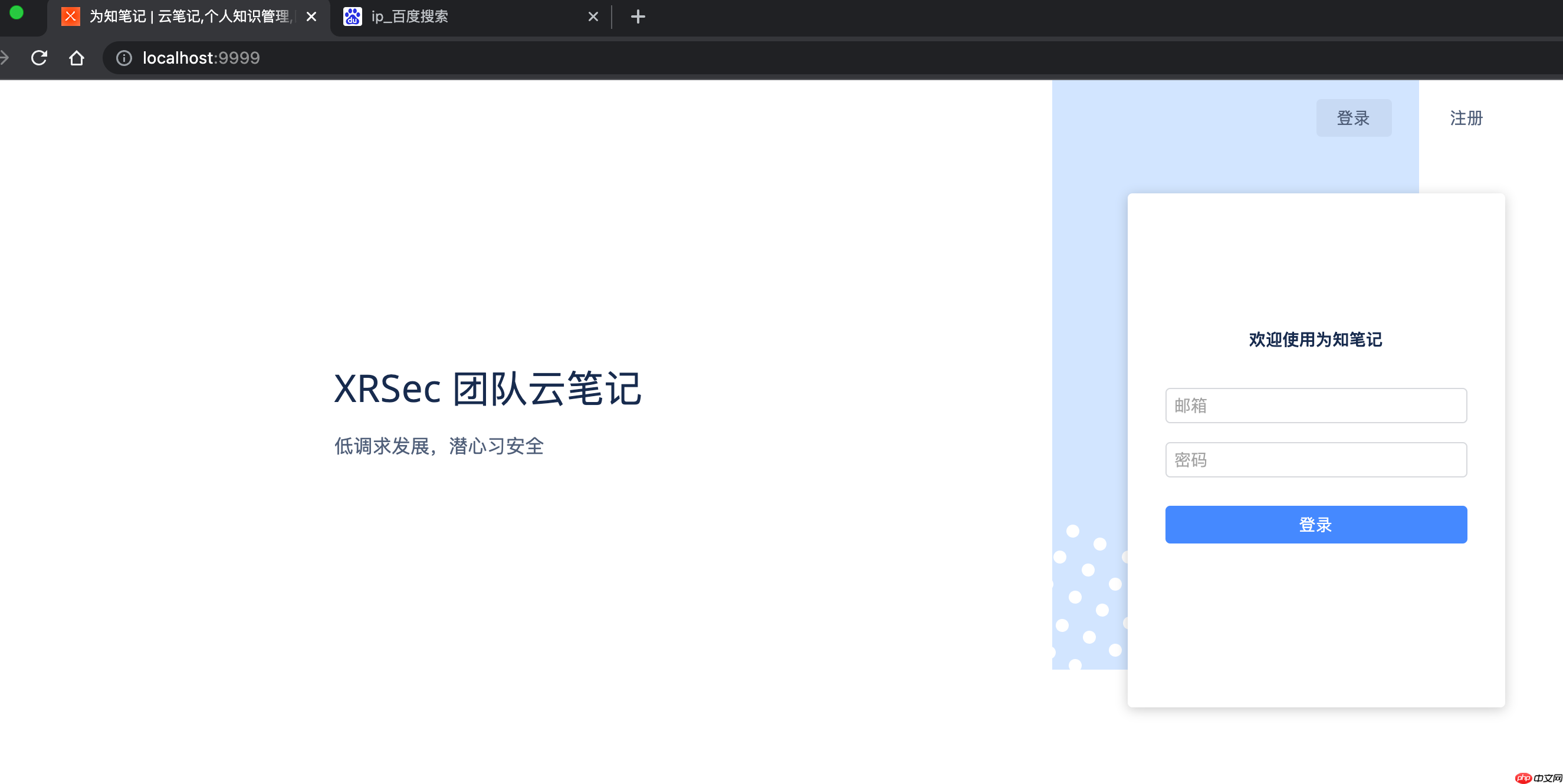
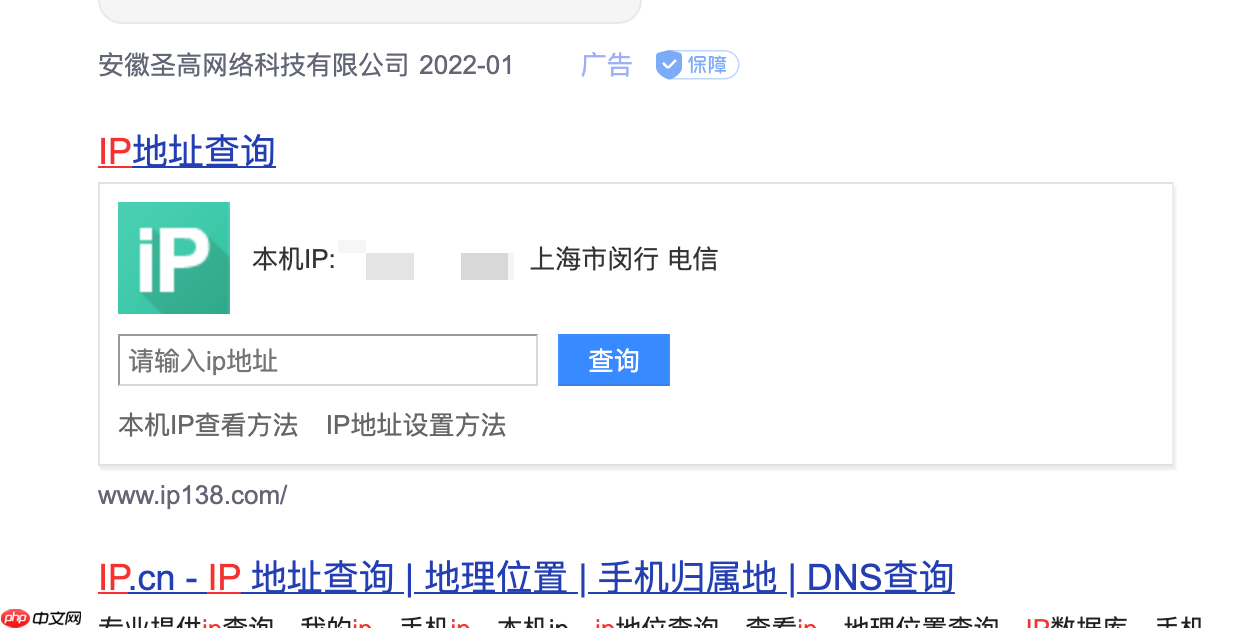
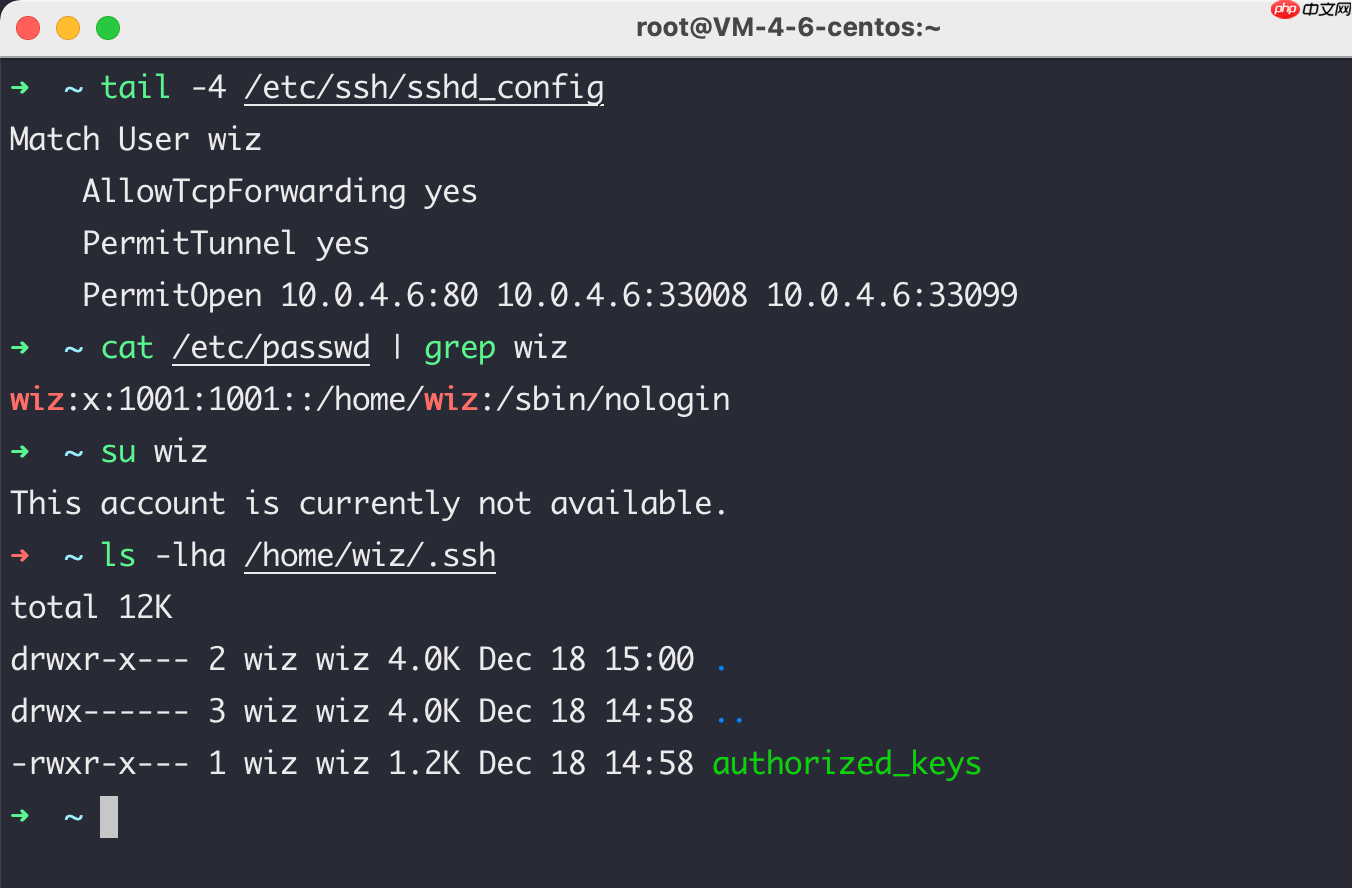
以下是 SSH 服务器配置示例:
➜  ~ cat /etc/ssh/sshd_config
...
Match User wiz
    AllowTcpForwarding yes
    PermitTunnel yes
    PermitOpen 10.0.4.6:80 10.0.4.6:33008 10.0.4.6:33099
以下命令用于禁用用户登录权限:
 腾讯云AI代码助手
基于混元代码大模型的AI辅助编码工具
 205
查看详情
205
查看详情

➜  ~ chsh -s /sbin/nologin
➜  ~ cat /etc/passwd | grep wiz
如果遇到 SSH 爆破攻击,可以采取以下措施:
➜  ~ cat /etc/ssh/sshd_config
...
PasswordAuthentication no
AuthorizedKeysFile .ssh/authorized_keys
同时,可以通过 passwd 命令禁用用户登录权限。此外,还可以使用 fwknop 进行单包授权,类似于端口敲门技术。
以下是安装和配置 fwknop 的步骤:
# dnf config-manager --set-enabled powertools && dnf install texinfo -y
yum install gcc gcc-c++ openssl libtool m4 automake libpcap-devel texinfo -y
git clone https://github.com/mrash/fwknop fwknop.git
cd fwknop.git
./autogen.sh
./configure --with-iptables=/usr/sbin/iptables --prefix=/usr --sysconfdir=/etc --localstatedir=/run
make
make install
➜  ~ fwknop --version
fwknop client 2.6.10, FKO protocol version 3.0.0
➜  ~ systemctl enable fwknopd.service
➜  ~ systemctl start fwknopd.service
#FIREWALL_EXE
客户端配置:
# PLAN1
fwknop --destination [SERVER_IP] --access tcp/22,udp/22 --server-port 9999 --key-base64-rijndael 0sZirx/3/68oIAmyT4OubNm2r/x4ZCyafcVX5YcVDU= --key-base64-hmac ahpupE+rQ9DnZYqt5RgCsp58ThOSeuosFtL+Co2bACGJqQvEIFaOocnE+ozXI2aG5Tc3ZCpq5z1YFpfpVlgoM== --source-ip $(curl -s cip.cc | grep IP | cut -d " " -f 2)
# Plan2
fwknop --destination [SERVER_IP] --access tcp/22,udp/22 --use-hmac --server-port 9999 --server-proto udp --key-gen --s*e-rc-stanza
cat ~/.fwknoprc | grep KEY
# COPY KEY TO SERVER
fwknop -n [SERVER_IP] --source-ip $(curl -s cip.cc | grep IP | cut -d " " -f 2)
# DOMAIN NAMES CANNOT BE USED
 Y TO SERVER
fwknop -n [SERVER_IP] --source-ip $(curl -s cip.cc | grep IP | cut -d " " -f 2)
# DOMAIN NAMES CANNOT BE USED
Y TO SERVER
fwknop -n [SERVER_IP] --source-ip $(curl -s cip.cc | grep IP | cut -d " " -f 2)
# DOMAIN NAMES CANNOT BE USED服务器配置:
# COPY CLINET KEY TO ACCESS
cat /etc/fwknop/access.conf | grep KEY
# IF THE CLIENT DEFINES THE PORT NUMBER, THE SERVER MUST ALSO CHANGE IT
cat /etc/fwknop/fwknopd.conf | grep PCAP_FILTER
cat /etc/fwknop/fwknopd.conf | grep PCAP_INTF
# START FWKNOP SERVER
fwknopd
# CLOSE THE PORT STATUS UNTIL THE KNOCK ON THE DOOR SUCCEEDS
iptables --insert INPUT --protocol tcp --dport 22 --match conntrack --ctstate ESTABLISHED,RELATED --jump ACCEPT
iptables --insert INPUT 2 --protocol tcp --dport 22 --jump DROP
# RUN CLIENT AND CHECK PLAN [ 1 / 2 ]
iptables -L FWKNOP_INPUT -n
# Note that the iptables rules should not be overwritten, it is best to keep one hand
exit
主配置:
# RUN CLIENT AND CHECK PLAN [ 1 / 2 ]
# SERVER RUN
ssh [user]@[SERVER_IP]
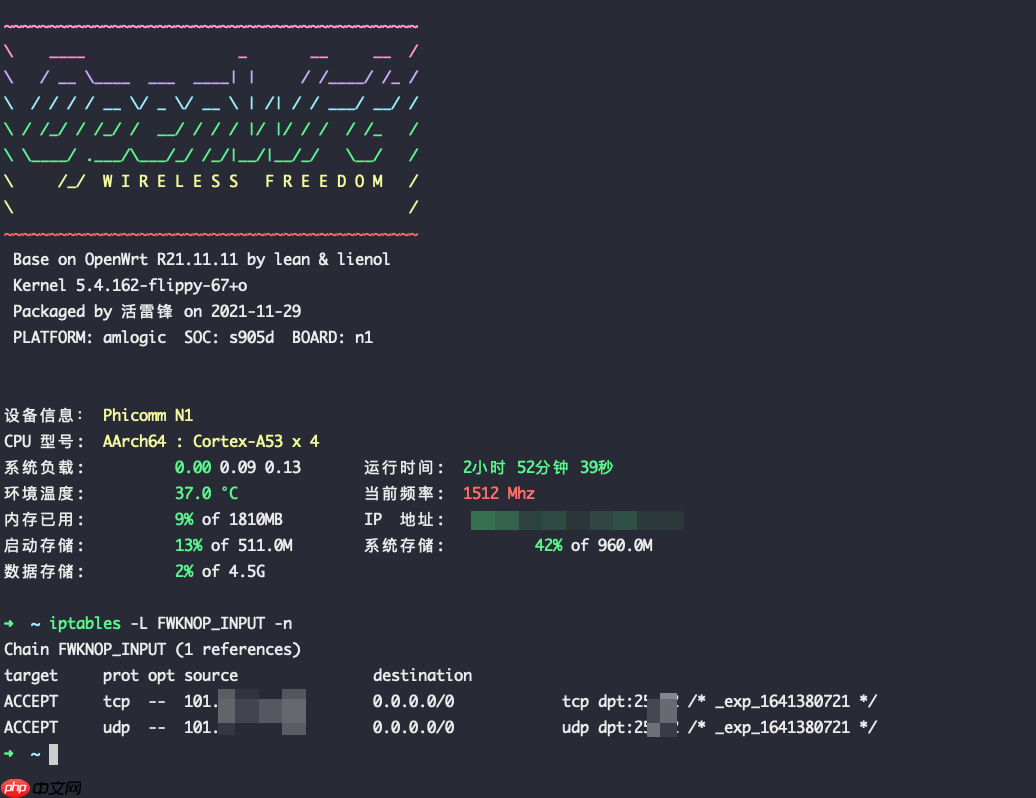
iptables -L FWKNOP_INPUT -n
# YOU CAN SEE THAT YOUR IP IS ALLOWED TO ACCESS
# IF YOU CAN, YOU CAN MODIFY THE TIME, THE DEFAULT CONNECTION IS 30S
预览:
➜  ~ ssh n1
ssh: connect to host nas.zygd.site port 25002: Operation timed out
➜  ~ fwknop --destination [SERVER_IP] --access tcp/22,udp/22 --server-port 9999 --key-base64-rijndael 0sZirx/3/68oIAmyT4OubNm2r/x4ZCyafcVX5YcVDU= --key-base64-hmac ahpupE+rQ9DnZYqt5RgCsp58ThOSeuosFtL+Co2bACGJqQvEIFaOocnE+ozXI2aG5Tc3ZCpq5z1YFpfpVlgoM== --source-ip $(curl -s cip.cc | grep IP | cut -d " " -f 2)
➜  ~ ssh n1
以上就是狗东西的防黑之路的详细内容,更多请关注其它相关文章!
热门内容推荐






快捷栏目导航







